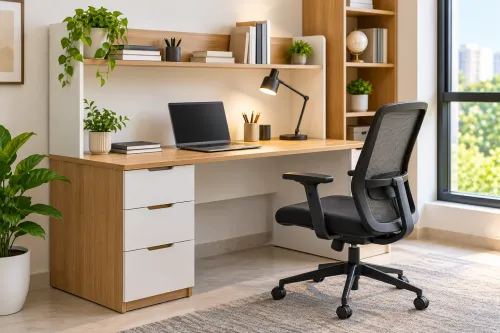


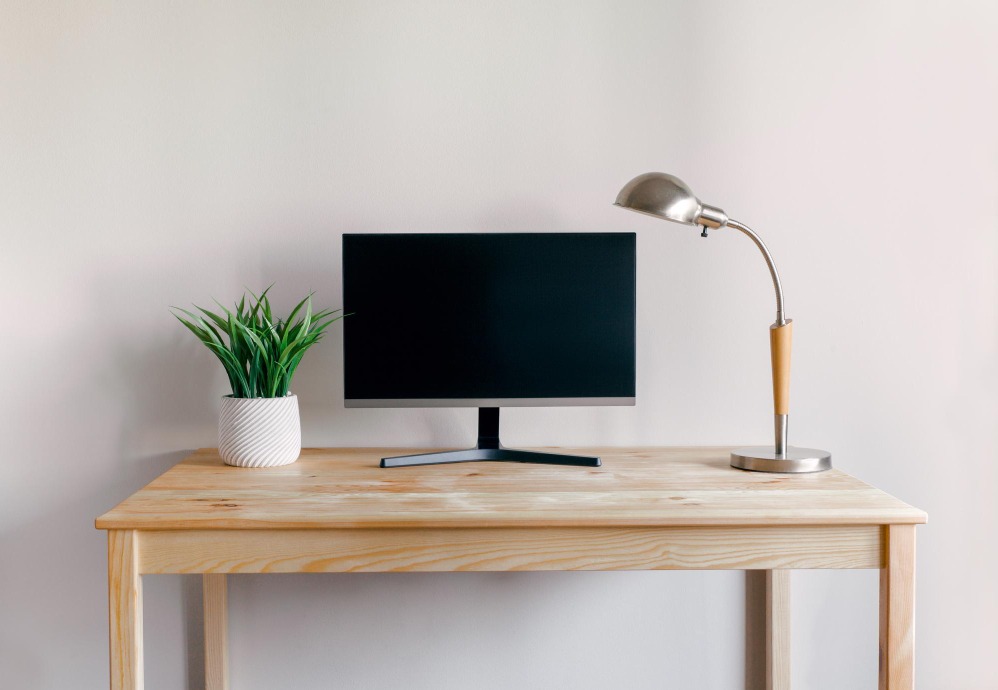
Computer-based work requires a desk designed around equipment, sitting comfort, cable routing, and working habits. A standard writing desk may provide a flat surface but still create problems once monitors, keyboards, chargers, printers, and other devices are added.
When researching a Computer Table near me, begin with the equipment that needs to be accommodated.
List Your Equipment
Create a simple inventory.
Include your laptop or desktop computer, monitor, keyboard, mouse, speakers, printer, router, charging devices, and work documents.
A single-laptop setup may require relatively little space.
A dual-monitor workstation can require considerably more width and depth.
Plan Monitor Placement
Monitor position influences desk depth.
There should be sufficient distance between the user and screen for comfortable viewing based on the equipment and individual needs.
If you intend to use a monitor arm, check whether the tabletop edge and construction are suitable for the mounting system.
Allow sufficient working space in front of the monitor for the keyboard and mouse.
Protect Legroom
Storage cabinets and drawers can reduce comfortable sitting space.
Check the clear area beneath the desk.
The user should be able to position the chair comfortably without knees repeatedly hitting drawers or structural components.
Storage should support the workstation rather than interfere with it.
Organise Cable Routes
Multiple electronic devices can quickly create cable clutter.
Before choosing the table, check where the nearest electrical sockets are located.
Useful cable-management features can include holes, trays, channels, rear gaps, or dedicated routing areas.
Organised cables also make equipment changes and cleaning easier.
Consider Equipment Ventilation
Desktop towers, routers, and other electronics may generate heat.
Avoid placing equipment in unsuitable enclosed compartments.
If a dedicated device compartment is required, consider its dimensions and ventilation requirements during the furniture planning stage.
Prioritise Stability
Computer furniture may support monitors and other valuable equipment.
The desk should remain stable while typing, writing, or adjusting devices.
Check the legs, joints, frame, tabletop thickness, and overall support.
Tell the manufacturer if the table will carry particularly heavy equipment.
Customise Around the Room
Standard computer tables may be sufficient for straightforward home-office layouts.
Custom manufacturing becomes useful for corners, narrow rooms, multiple monitors, integrated shelves, unusual equipment, or specific storage requirements.
Craftsmen Ventures can manufacture customised wooden tables according to defined dimensions and functional needs.
A well-planned computer table should simplify the workspace. Sufficient surface area, comfortable legroom, suitable monitor placement, cable management, equipment space, and stable construction can create a home office that feels organised rather than improvised.